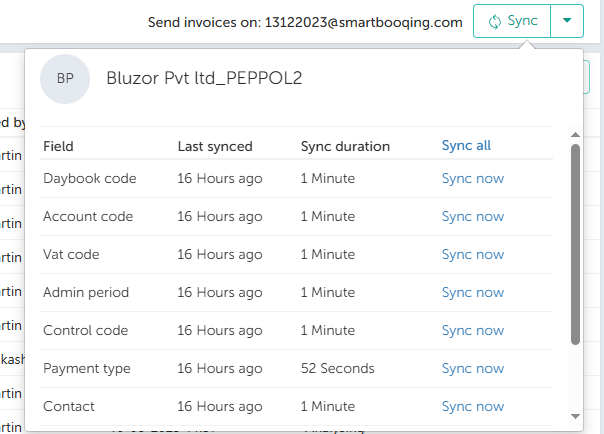
In this article, you will find information about adding new administration.
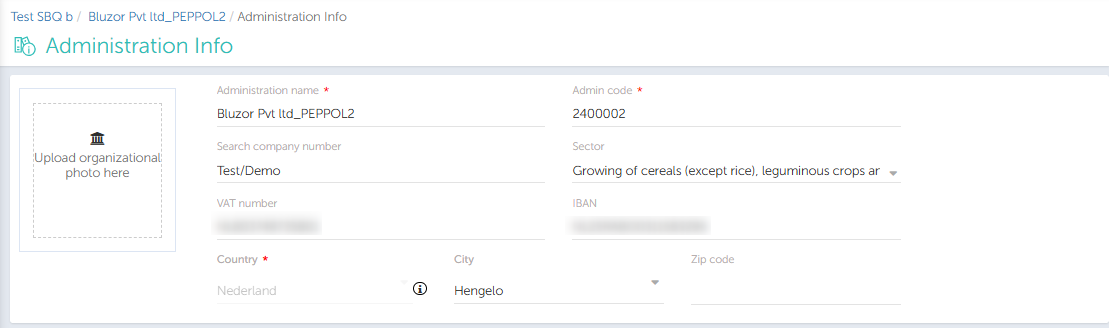
1.Adding Administration Info
When new administration is imported, add data which is missing from the Administration info.
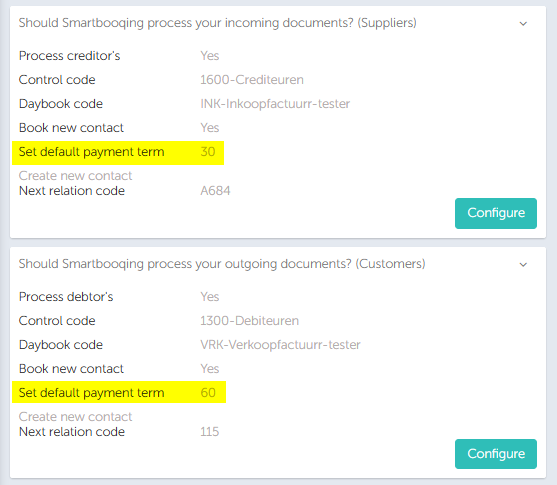
2. Validate Payment Settings
Ensure the payment terms and related settings are correctly configured for the administration.
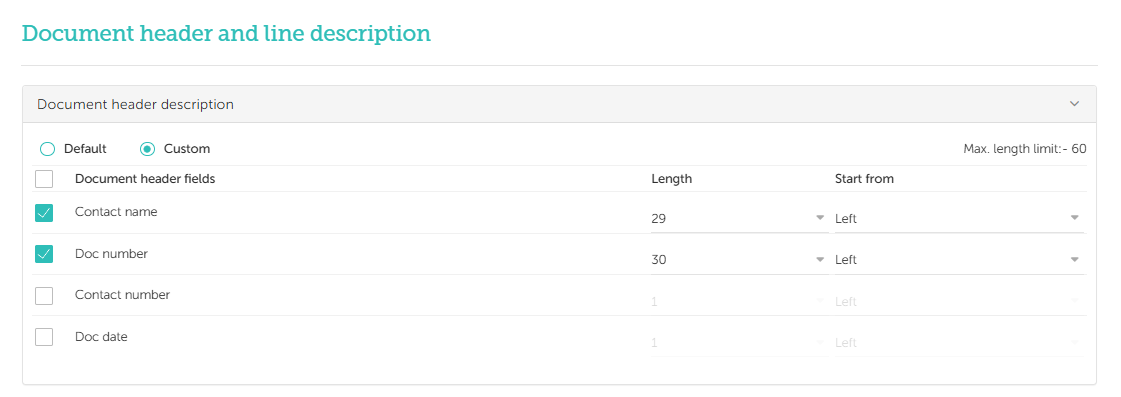
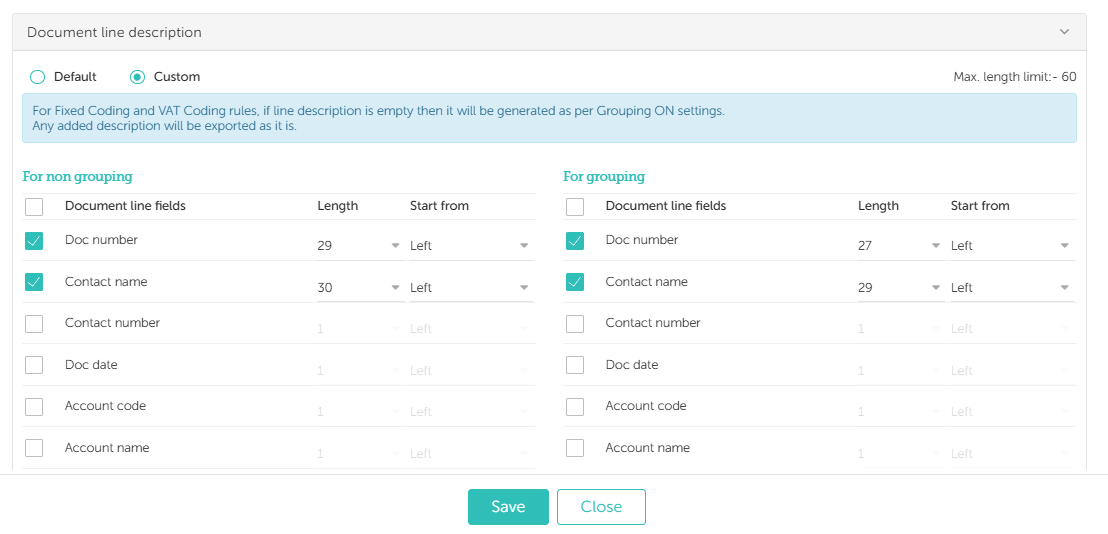
3. Description Settings
Check and update the header and line description settings to ensure they are correctly configured.
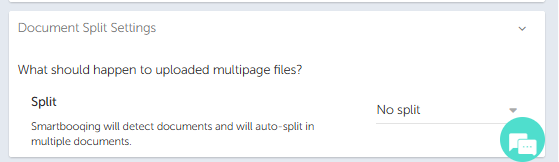
4. Enable Don’t Split Setting
Enable the Don’t Split setting for the administration.
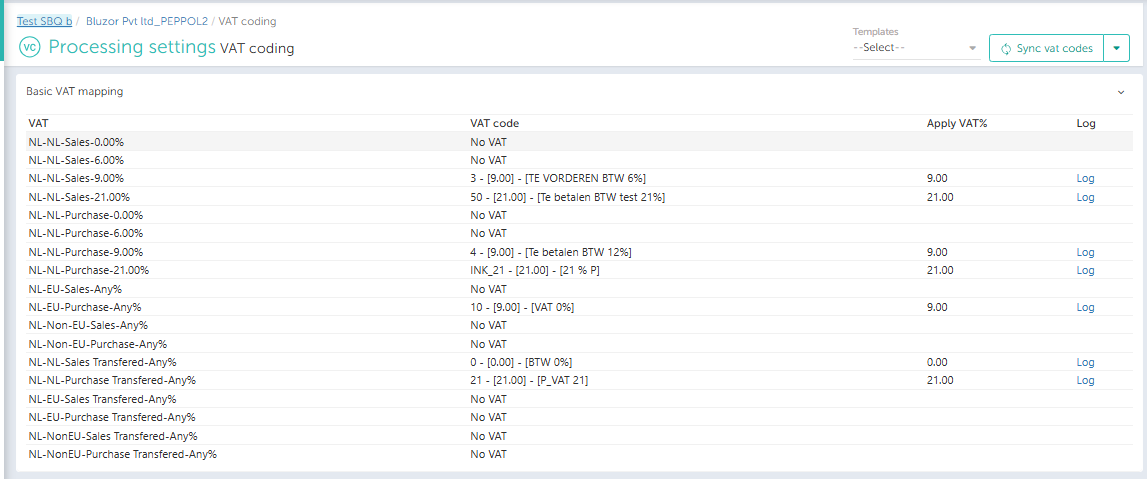
5. Verify VAT Mapping
Set up the appropriate VAT Mapping on the VAT Coding page. For Follower administrations, ensure the template mapping is correctly applied.
6. Check Synchronisation Status
Ensure that synchronisation is functioning correctly for the administration.