Registration
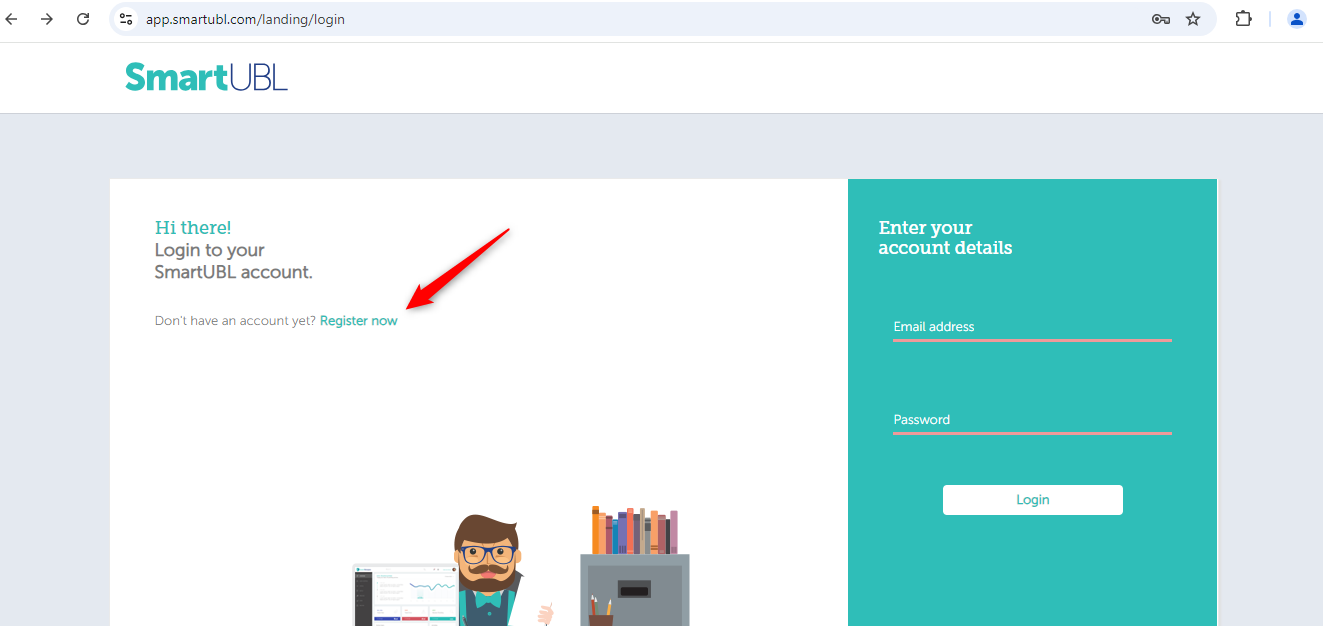
Step 1- Navigate to https://app.smartubl.com/landing/login and click on “Register Now” to begin the registration process.
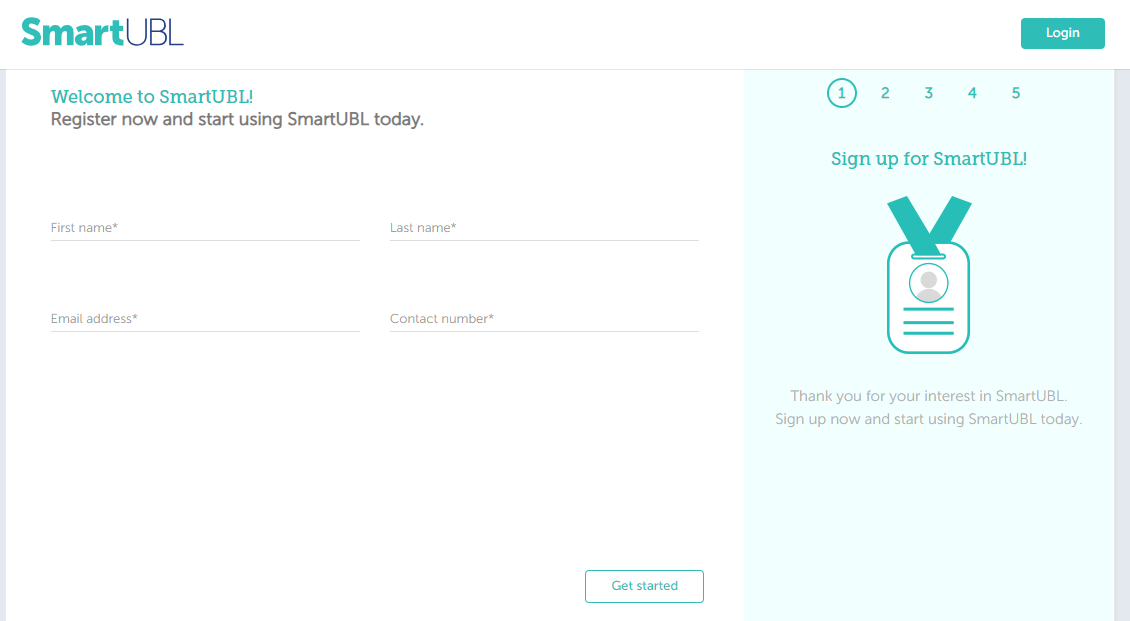
Step 2-Enter the required details like Full Name, Last Name, Email address, Contact Number. Click on “Get Started” to proceed.
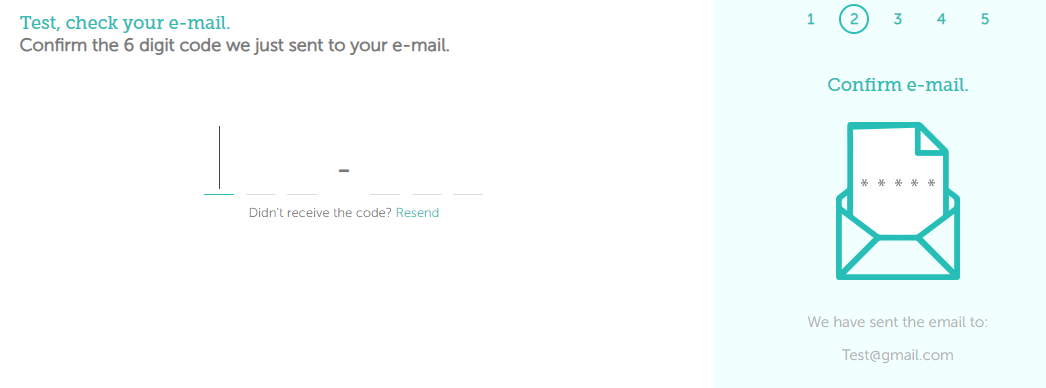
Step 3-Enter the 6-digit code verification code sent to your registered email address.
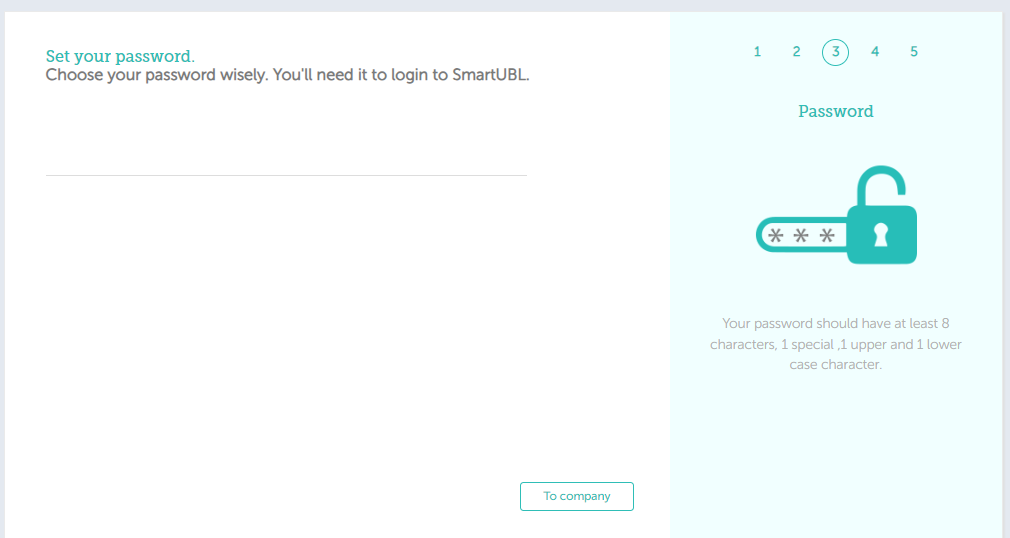
Step 4-Set your account password.
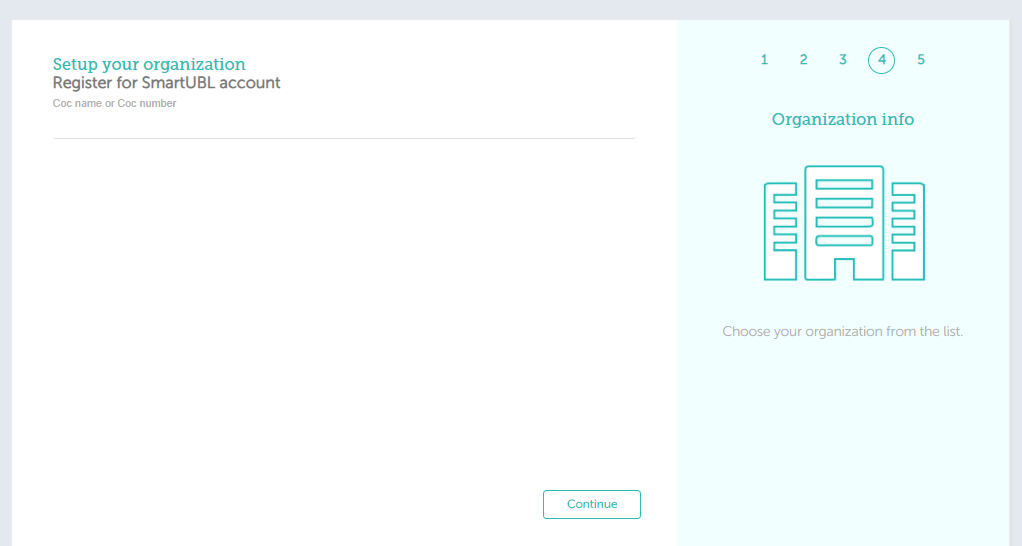
Step 5-Enter Company name or Chamber of Commerce (CoC/KvK) Number.
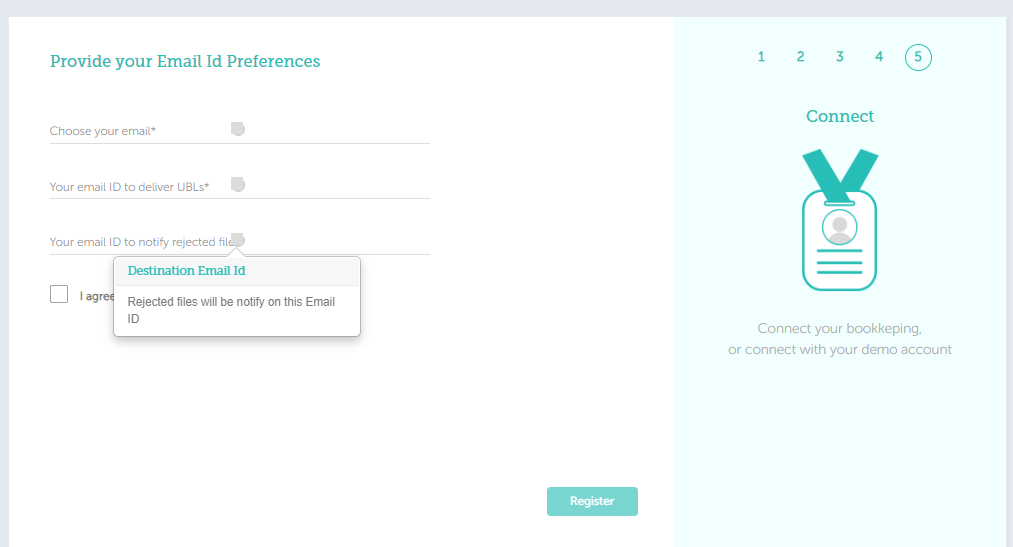
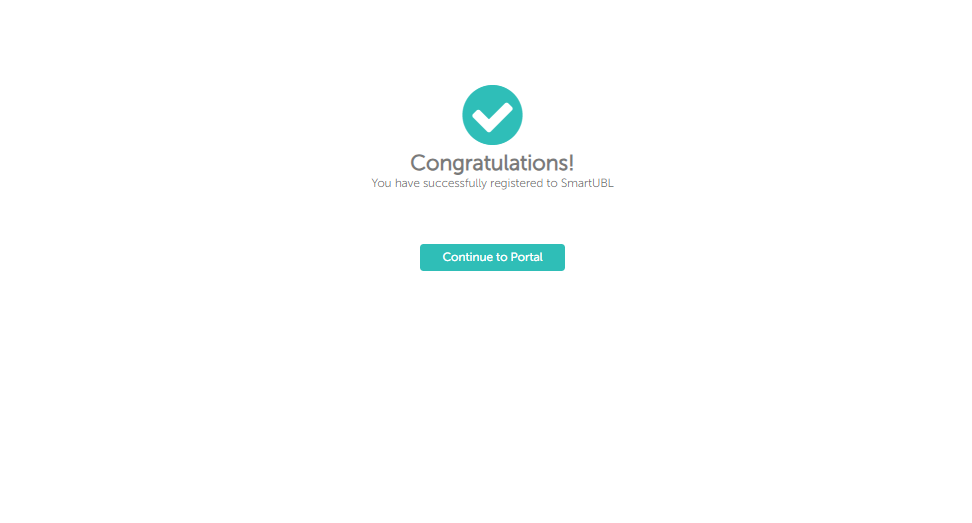
Step 6-Provide the required email address in designated fields. Review and accept the Terms and Conditions, then click on “Register” to complete the process.